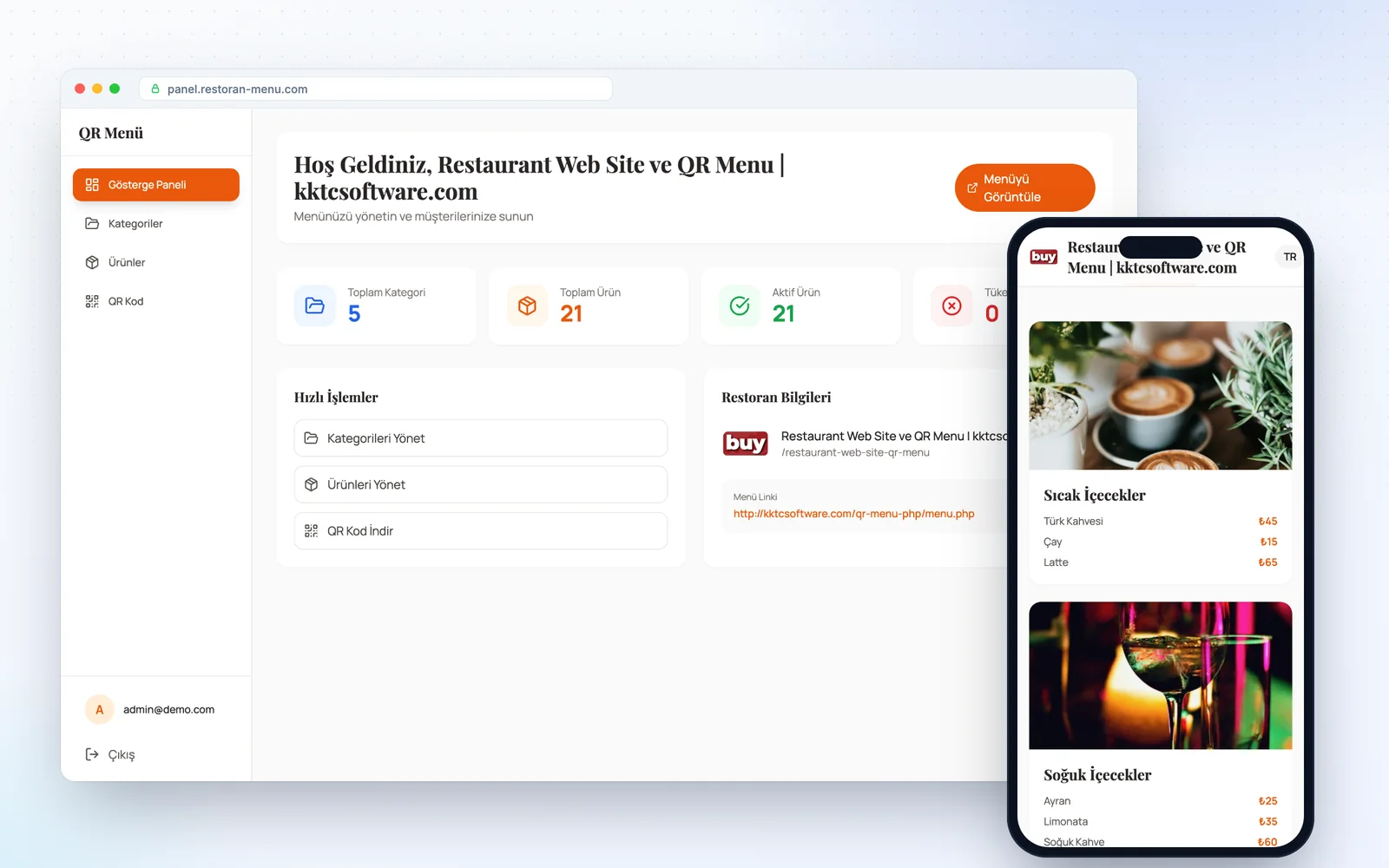
One of the questions café and restaurant owners ask most often is: "Is a QR menu enough, or should I move to an ordering system?" The two solve different problems and often work better together.
What does a QR menu do?
A customer who scans the QR code on the table sees the menu on their phone with photos and current prices. The cost of printed menus disappears, price changes appear instantly, and the menu can be offered in Turkish and English. The waiter still takes the order.
Best for: small cafés, businesses whose menu changes often, venues with many tourist customers.
What does an ordering system do?
The waiter takes the order on a tablet and it goes instantly to the kitchen and bar; the table bill is kept automatically, split and paid. End-of-day, stock and waiter performance reports are produced.
Best for: businesses with many tables, a separate kitchen and bar, and problems with lost orders and billing errors.
Comparison
- Starting cost: a QR menu is low; an ordering system needs setup and devices.
- Order errors: a QR menu alone doesn't reduce them; an ordering system reduces them greatly.
- Reporting: limited with a QR menu; sales, stock and staff reports with an ordering system.
- Customer experience: a QR menu offers a visual, multilingual menu; an ordering system speeds up service.
The best route: a gradual switch
Many businesses start with a QR menu and move to an ordering system as they grow. When both run in the same system, the menu is updated in one place and ordering from the table by QR becomes possible later.
You can explore our QR menu and ordering solutions and try the live demo of our QR menu project. For a detailed selection guide, see our guide to choosing an ordering system.