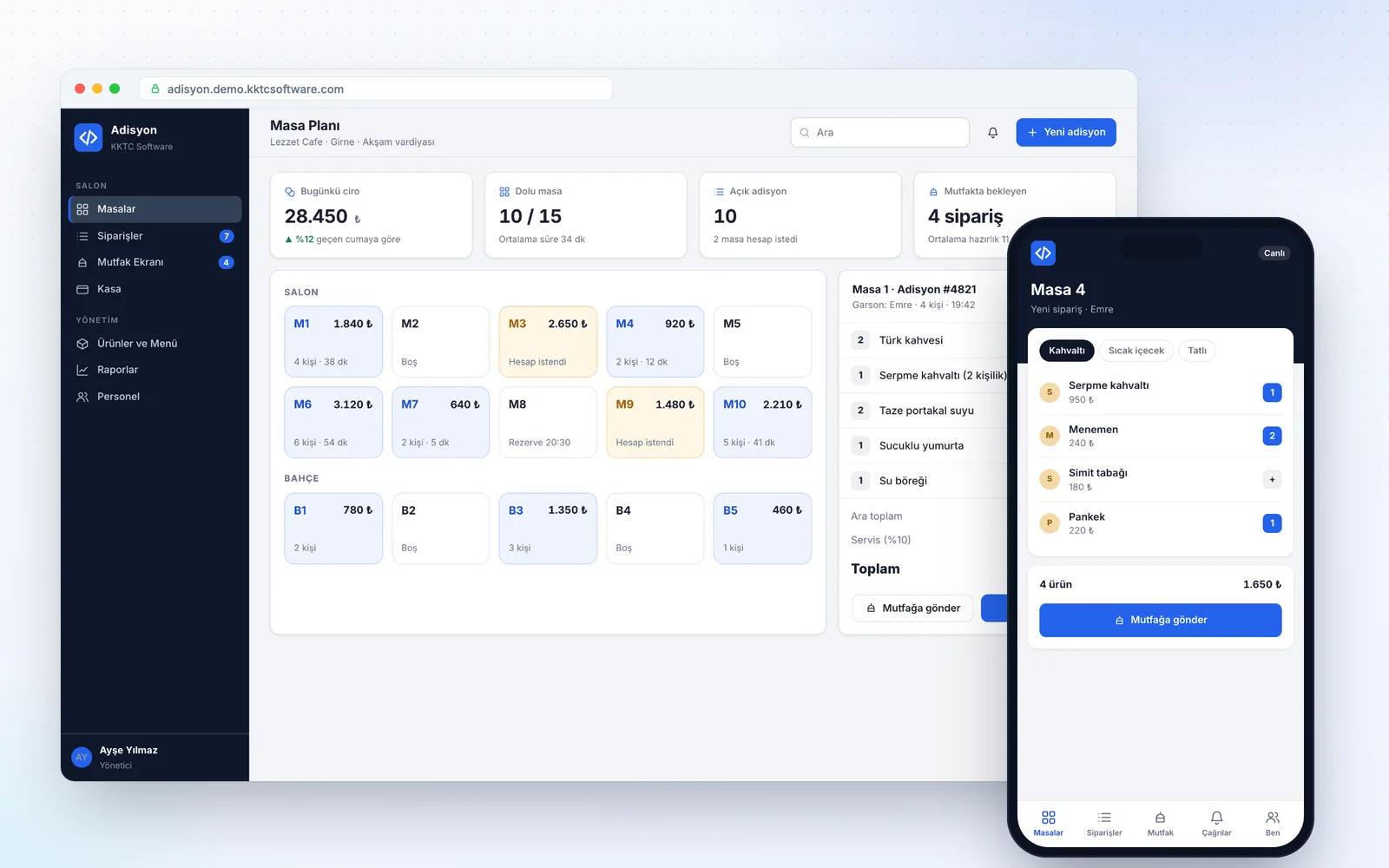
Orders are taken at the table and reach the kitchen instantly.
Table plan, order taking, waiter ordering screen, kitchen display and till: an end-to-end sales system for cafés and restaurants.
What does this service provide?
Paper order slips, mixed-up orders and a till that doesn't balance at the end of the day are the most common problems in cafés and restaurants. With an ordering system the order is taken at the table, goes straight to the kitchen and the bill is closed in one click.
Waiters enter orders from a phone or tablet; the kitchen screen shows the items to prepare in order. The till takes cash, card and split payments, and tables can be merged or moved.
End-of-day reports, sales by product, waiter performance and stock deductions are generated automatically. Together with a QR menu, tip distribution and staff shifts, it can be set up as a complete restaurant solution.
What's included?
- Visual table plan and open bills
- Mobile ordering screen for waiters
- Kitchen and bar display
- Till: cash, card, split payment
- End-of-day and product sales reports
- Stock deduction by recipe
Key features
Modules you can choose and combine to suit your business.
Table plan
Indoor and garden tables are shown by colour as occupied, free or bill requested.
Waiter app
Orders are taken on a phone or tablet, with notes and extras.
Kitchen screen
Orders to prepare appear on the kitchen screen in sequence, with their timings.
Till and payment
Cash, card and split payment; merging and moving tables.
Reports
Sales reports by day, product, category and waiter.
Stock and recipes
Ingredients are deducted from stock automatically according to the recipe of each item sold.
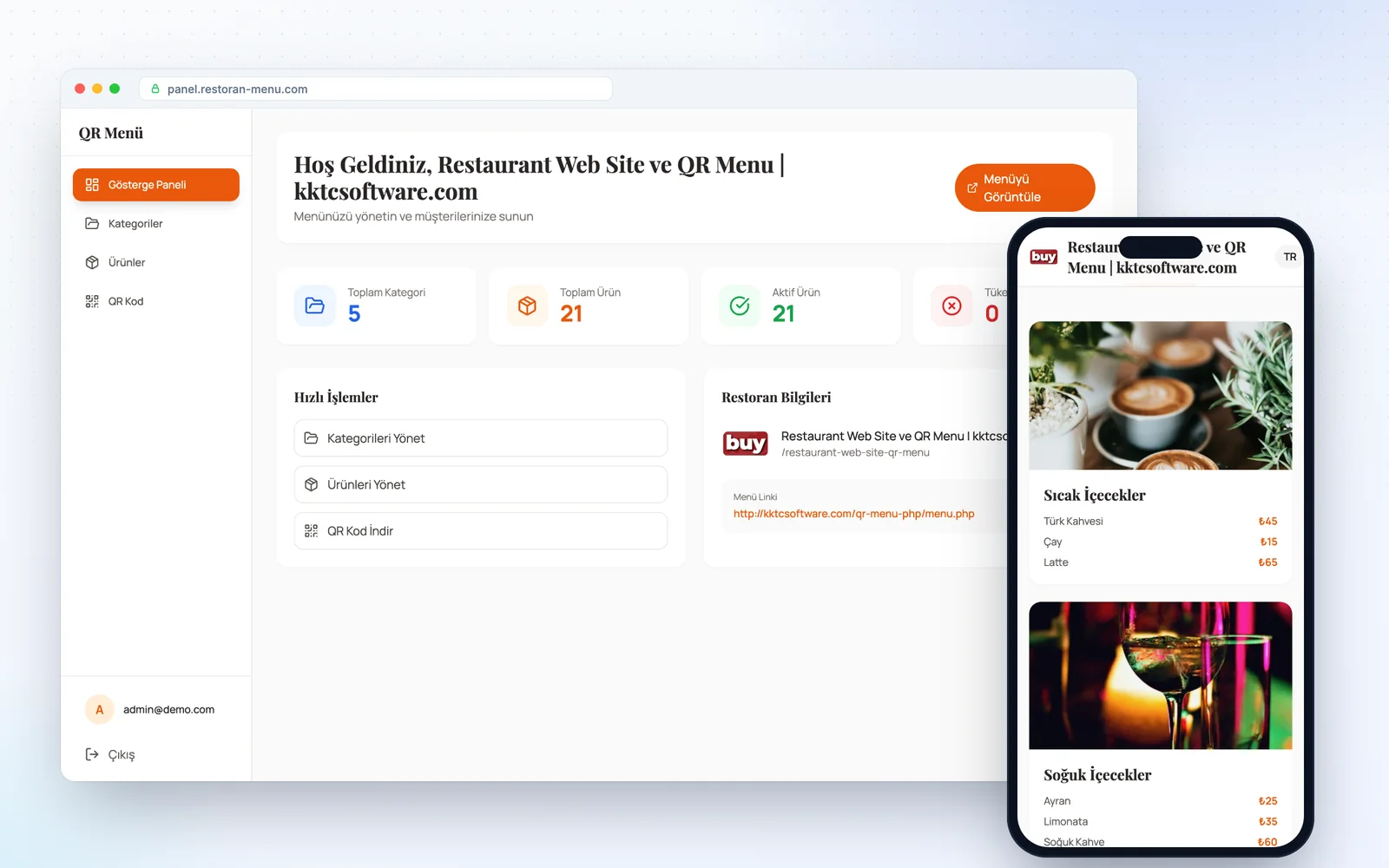
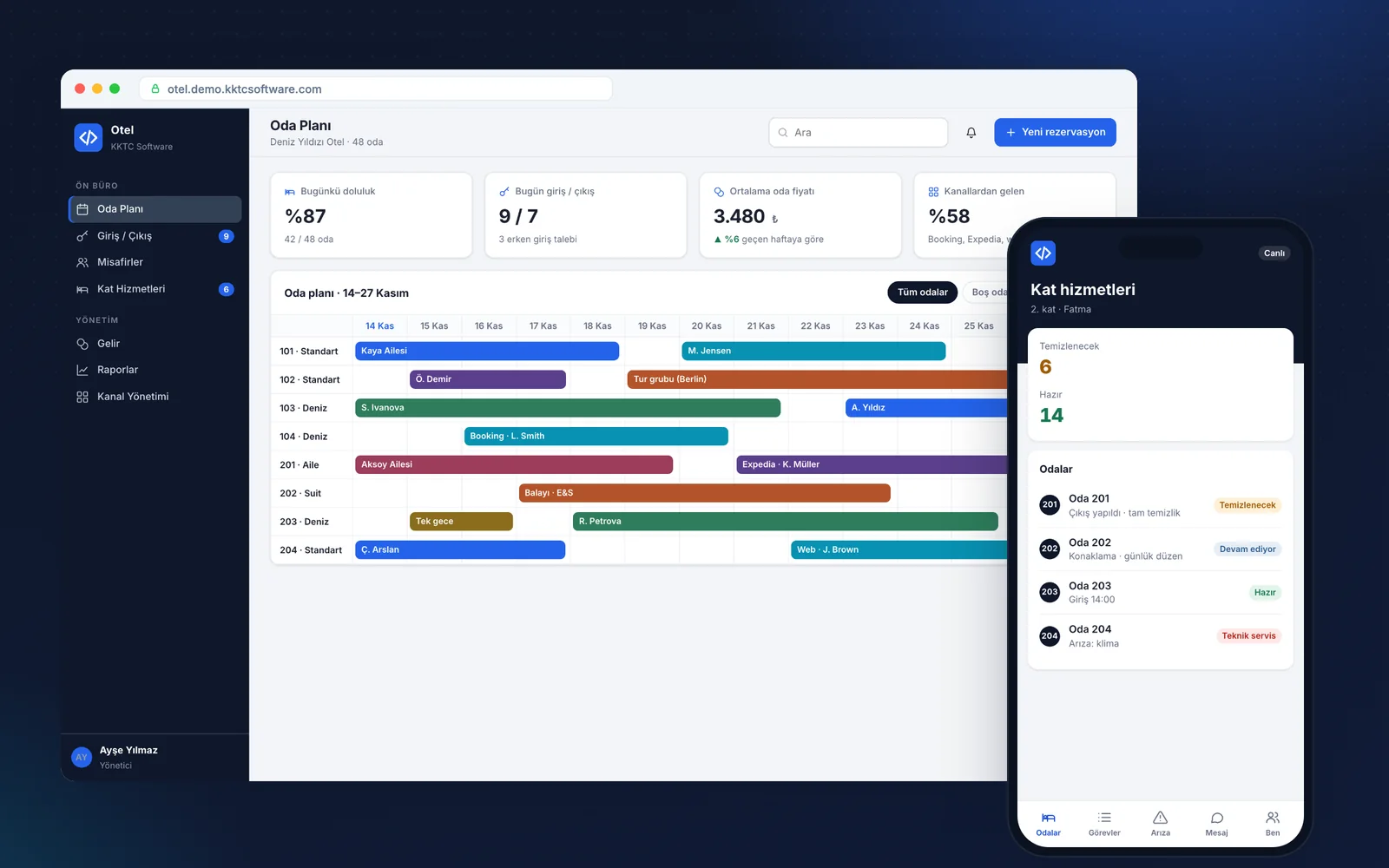
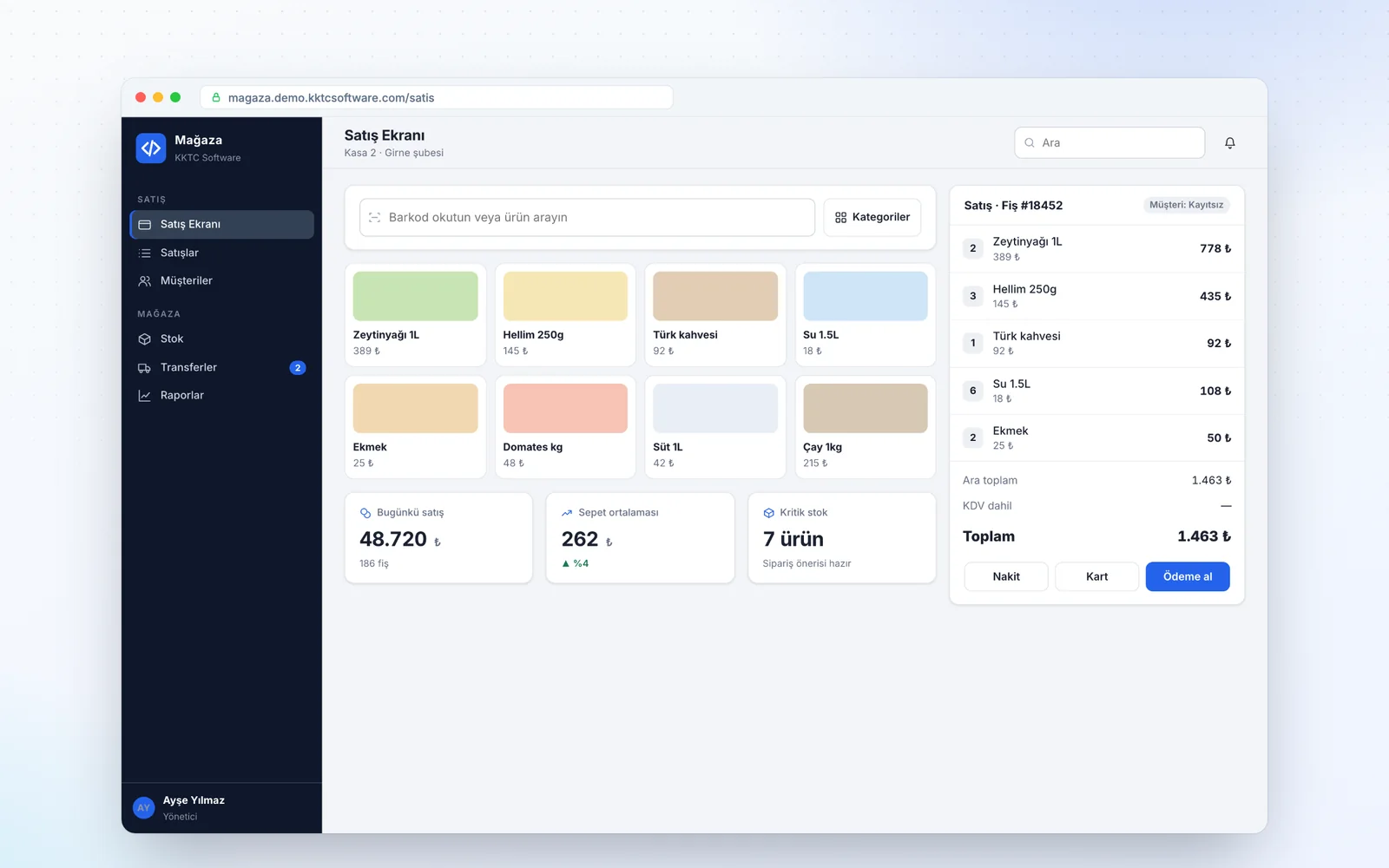
Examples from real screens
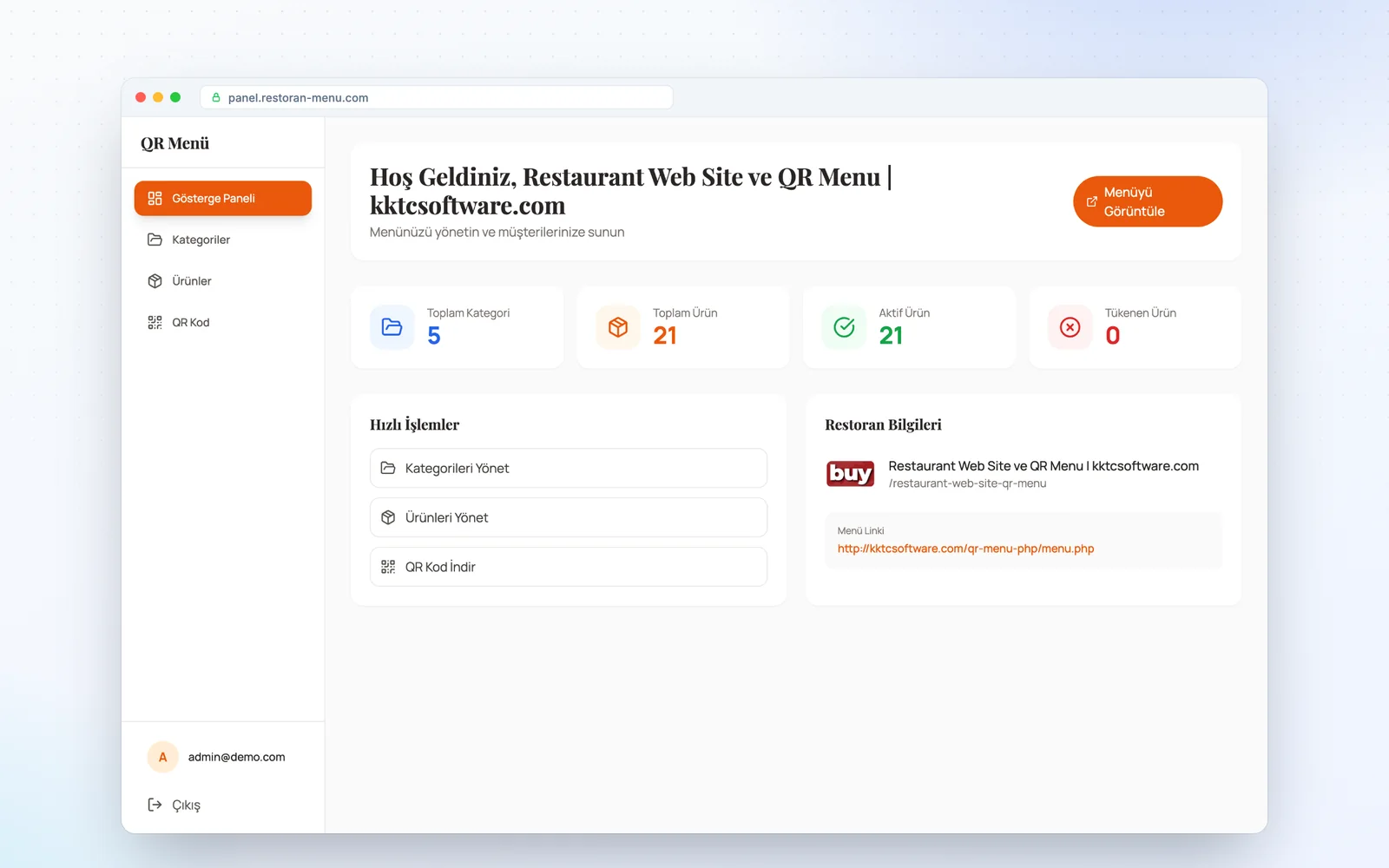
Screenshots from systems we have built. Click an image to enlarge it.


How do we work?
Clear steps, with your approval at every stage.
Menu and table layout
Products, prices and the floor plan are entered into the system.
Device setup
The till, waiter devices and kitchen screen are set up.
Training
Short hands-on training is given to waiters, kitchen and till staff.
Go-live
On-site support is provided during the first days.
Who is it for?
The types of business that use this solution most.
Frequently asked questions
Which devices does it work on?
It works on tablets, phones and computers. Your existing printers and screens can be assessed and reused.
What happens if the internet goes down?
Orders are kept on the device and sent to the system when the connection returns.
Can it be used together with a QR menu?
Yes. The QR menu, ordering and stock run in the same system.
Let's plan your project together
Let us listen to your needs and come back with a working demo and a clear quote.