If you are paid by the public sector in North Cyprus, you no longer get your payslip on paper but view it in the Ministry of Finance's E-Bordro application. Below we summarise the steps from first login to PDF output, where private-sector employees can get their payslips, and what the deductions on the payslip mean.
Note: KKTC Software is not the Ministry of Finance's official site. The information below is based on the E-Bordro application announced by the Ministry in May 2024; we checked that the login address was working in November 2026.
Public employees: logging in to E-Bordro step by step
- Go to the Ministry of Finance online services page: online.kktcmaliye.com.
- Click the Bordro Görüntüle (View Payslip) button.
- If you are logging in for the first time, choose İlk Defa Giriş (First Login); enter your ID card number, your Department Code and your mobile phone number. Type the mobile number carefully, as it can only be entered once.
- Your password arrives on your mobile phone by SMS.
- Next time, you log in with your ID card number and password. Your latest payslip appears on screen.
If you don't know your Department Code, you can get it from your employer; it may also be printed on your old paper payslips.
Past months, PDF and printouts for the bank
- You can view payslips for previous months and years from the date tab.
- You can open your payslip as a PDF and print it.
- Thanks to the QR code on the PDF, banks can check that the payslip is genuine; a wet-signed payslip is no longer needed for a loan application.
If you can't log in
According to the Ministry's announcement, for technical support you can contact the Ministry of Finance IT Department on 0392 228 36 27, and send comments and suggestions to bordro@maliye.gov.ct.tr. You also need to call this line if your phone number has changed or the SMS doesn't arrive, as the number can only be registered once in the system.
If you work in the private sector, where do you get your payslip?
The Ministry of Finance's E-Bordro application is for those paid by the public sector. In the private sector, the payslip is prepared by your employer (accounting or human resources). You can ask your workplace for your payslip. Some businesses also send payslips to employees' phones through the employee portal of their payroll software.
What deductions appear on a payslip?
On a private-sector payslip, the following deductions are usually made from the gross salary:
| Deduction | Employee share (2026) |
|---|---|
| Social Insurance | 8.25% (TRNC and agreement-country citizens) · 13% (third-country nationals) |
| Unemployment insurance | %0,75 |
| Provident Fund | %4 |
| Income tax | According to the personal allowance and brackets |
You can check whether your take-home pay is correct, gross to net or net to gross, in seconds with our North Cyprus salary calculator. If you earn the minimum wage, also see our 2026 minimum wage article.
For employers: give your employees e-payslips
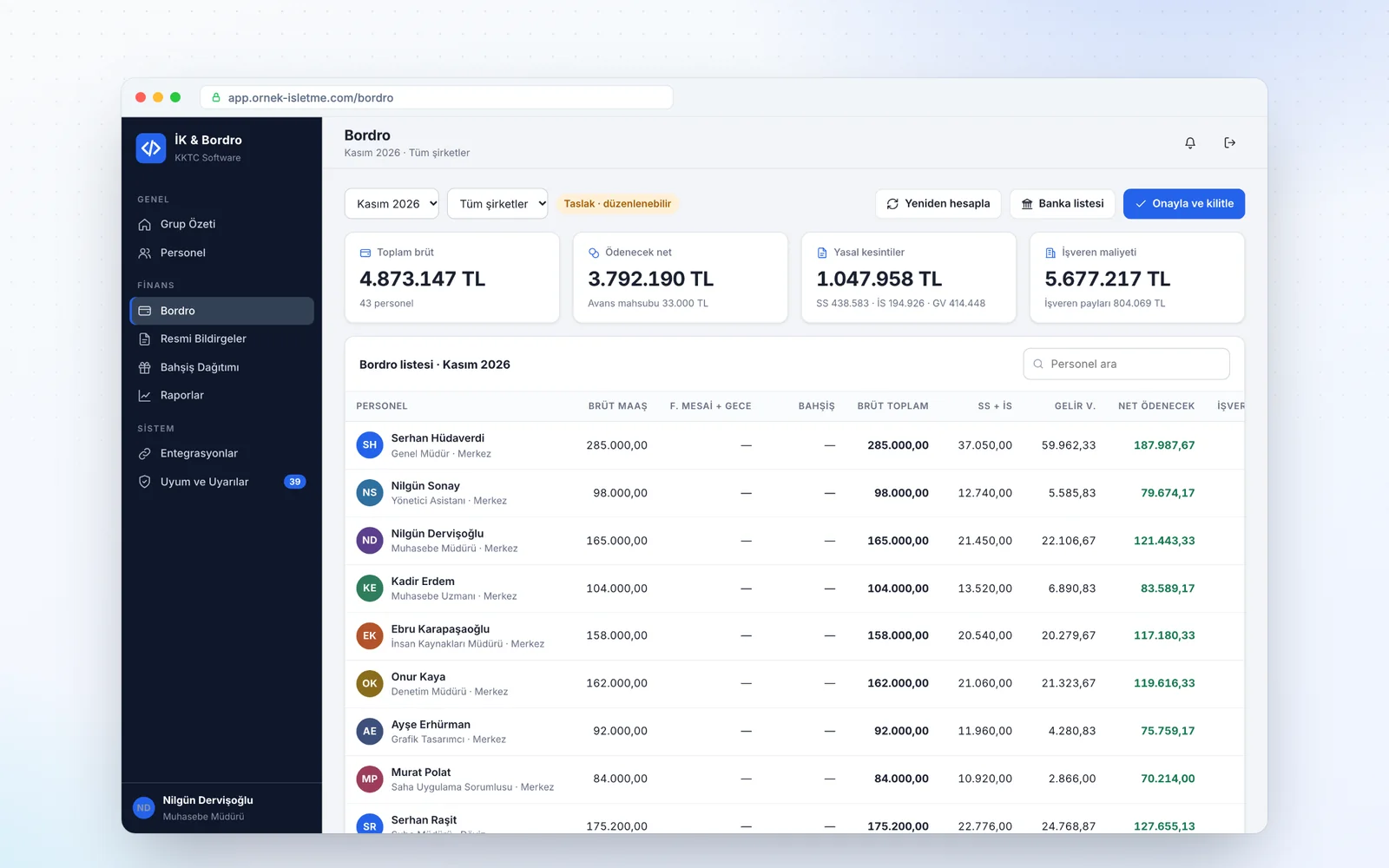
Instead of preparing payroll in Excel and sending it to employees one by one, with payroll and HR management software salary, Social Insurance, Provident Fund and income tax are calculated automatically and each employee sees their own payslip on their phone. If you want to understand the process step by step, read our guide to the payroll process in North Cyprus and try our HR and payroll demo.