Your business's pulse on one screen.
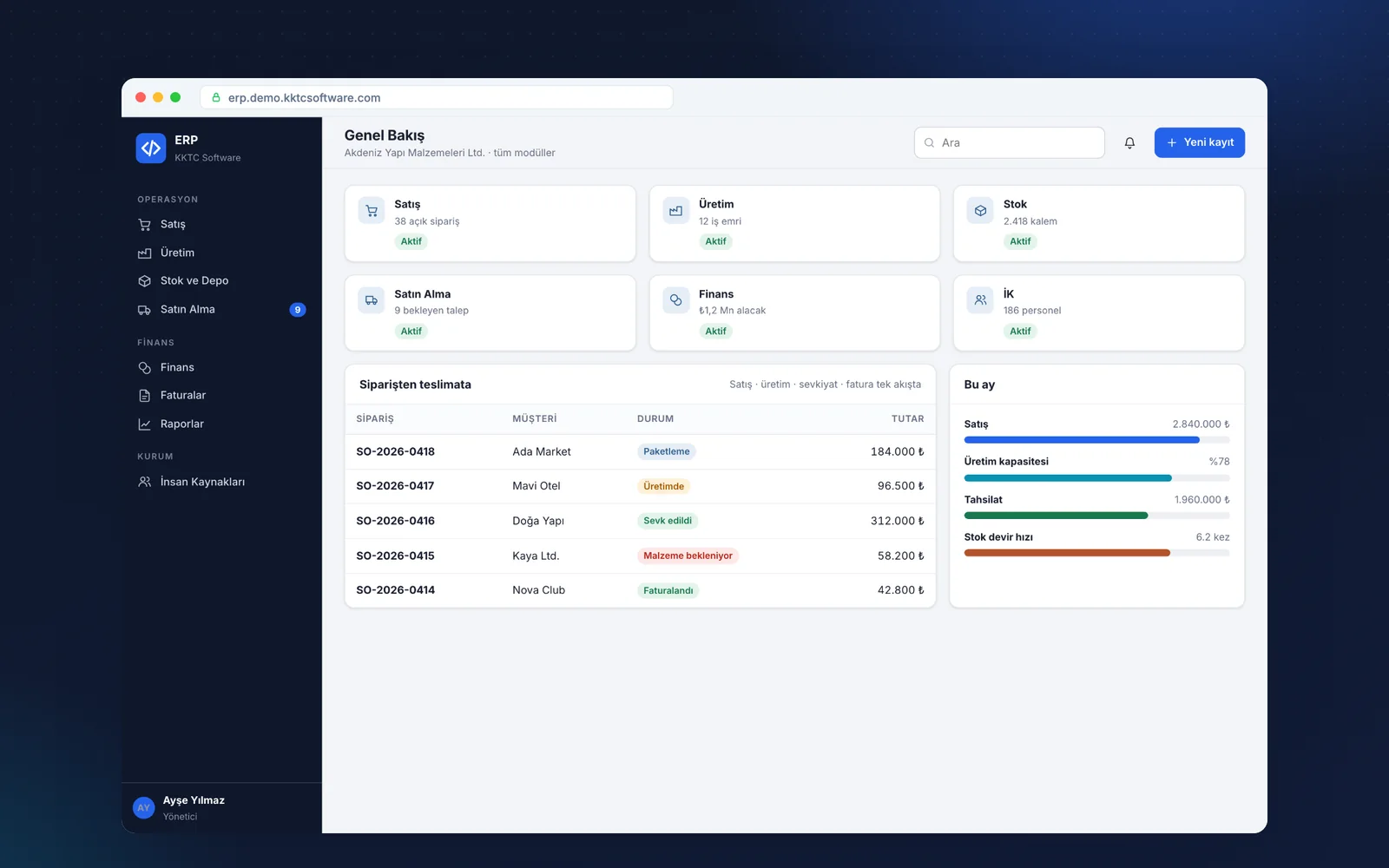
Management panels, KPI screens and reports that show all of your company's data on one screen.
What does this service provide?
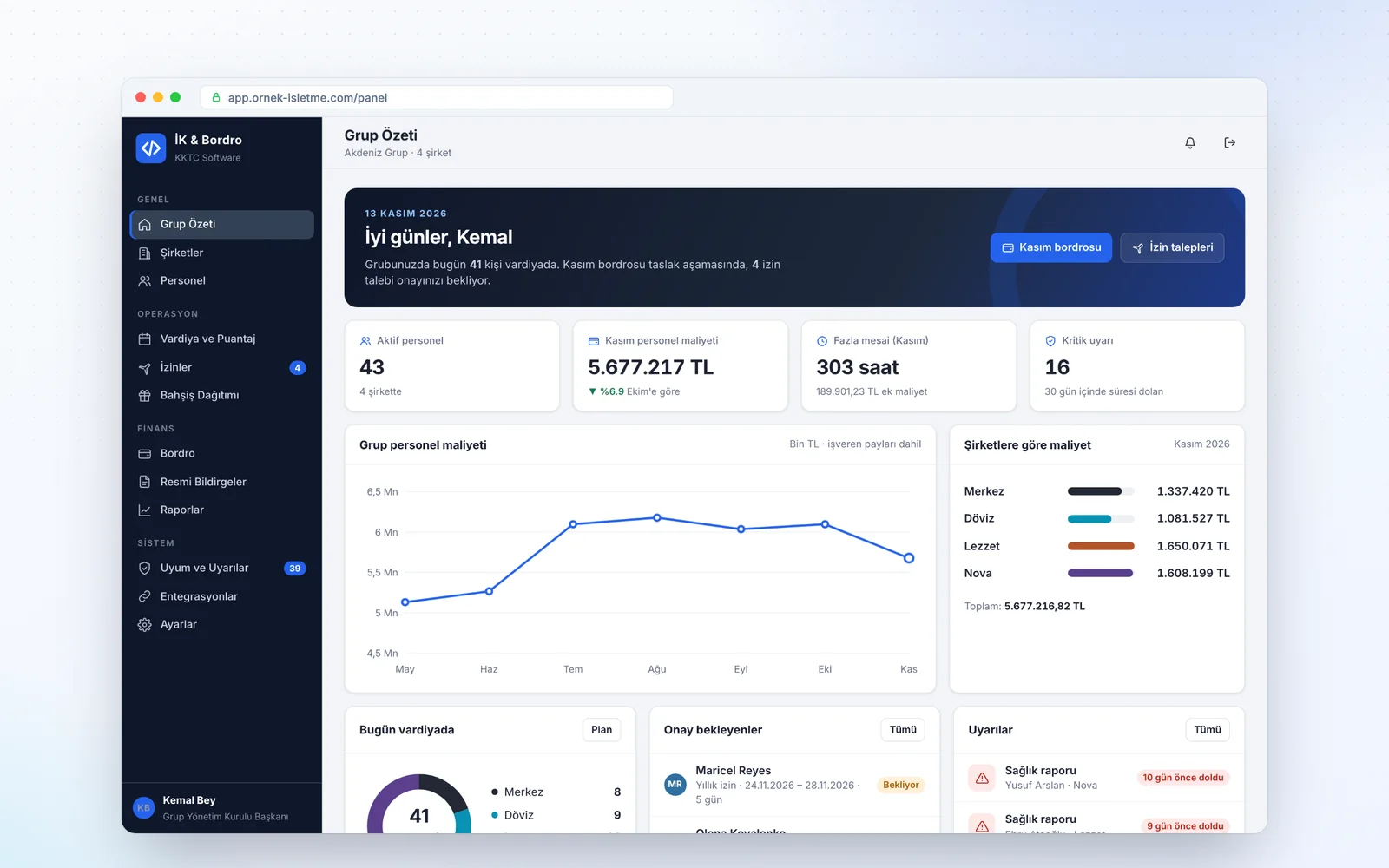
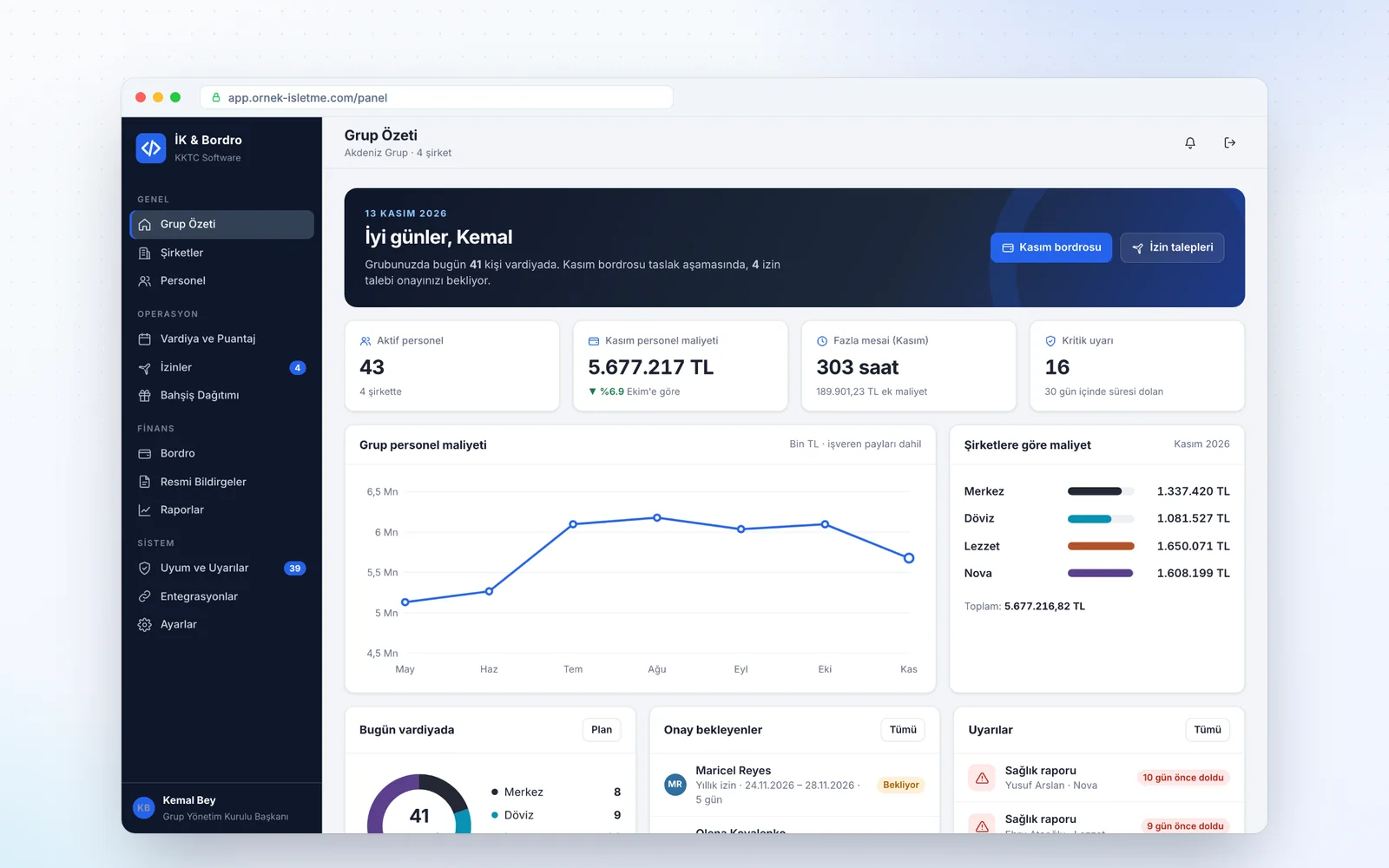
To make the right decisions, managers need data that is up to date and on one screen. The management panels we develop collect data from different units and present it in clear charts.
Critical indicators such as costs, sales, staff, stock or bookings are monitored in real time; situations needing attention are highlighted as alerts. Each user sees only the data relevant to their permissions.
We design role-specific panels, such as a group summary for the owner, a business panel for the branch manager and a task screen for the team.
What's included?
- KPI and chart screens
- Company and branch comparisons
- Alert and approval centre
- Role-based panels
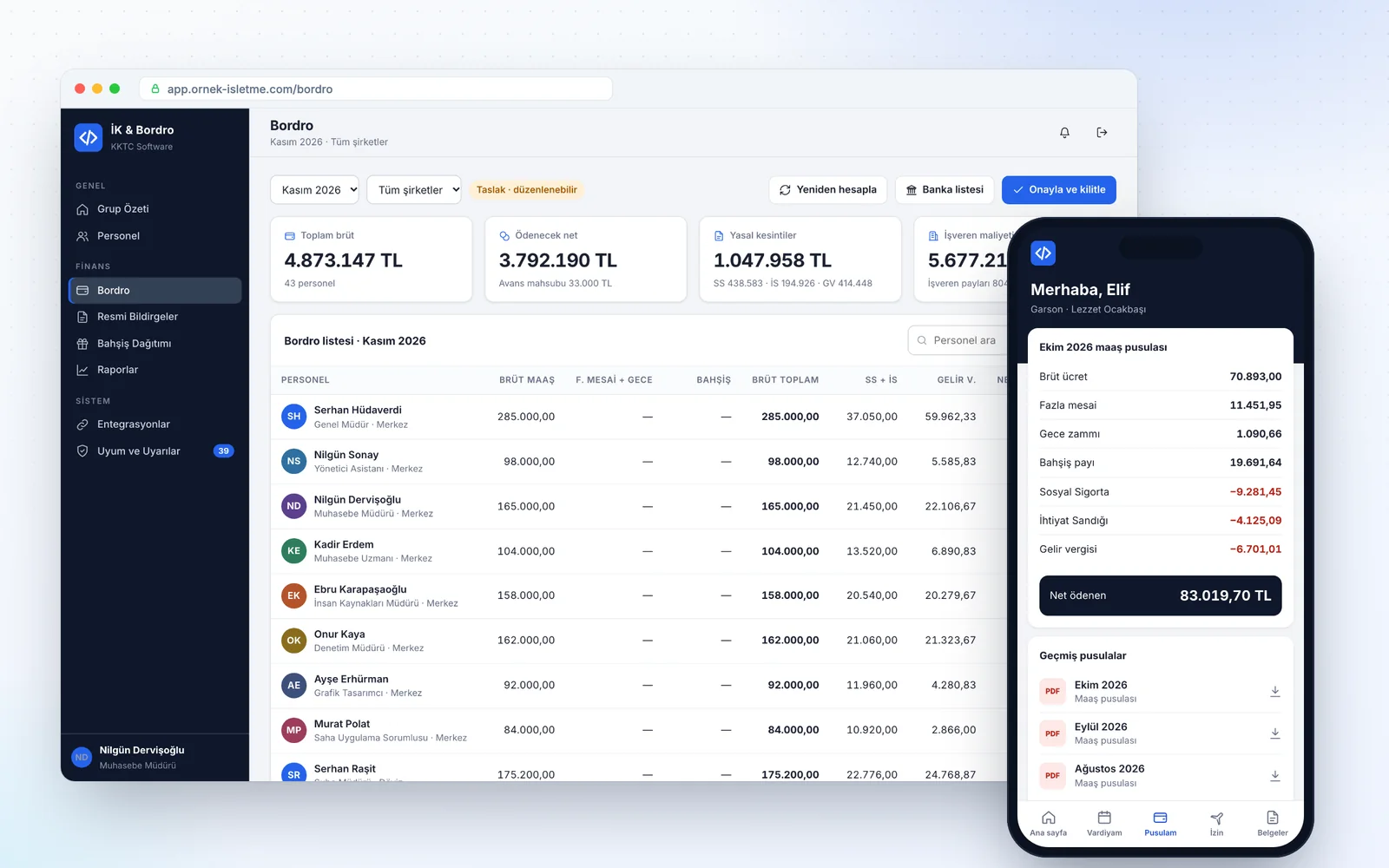
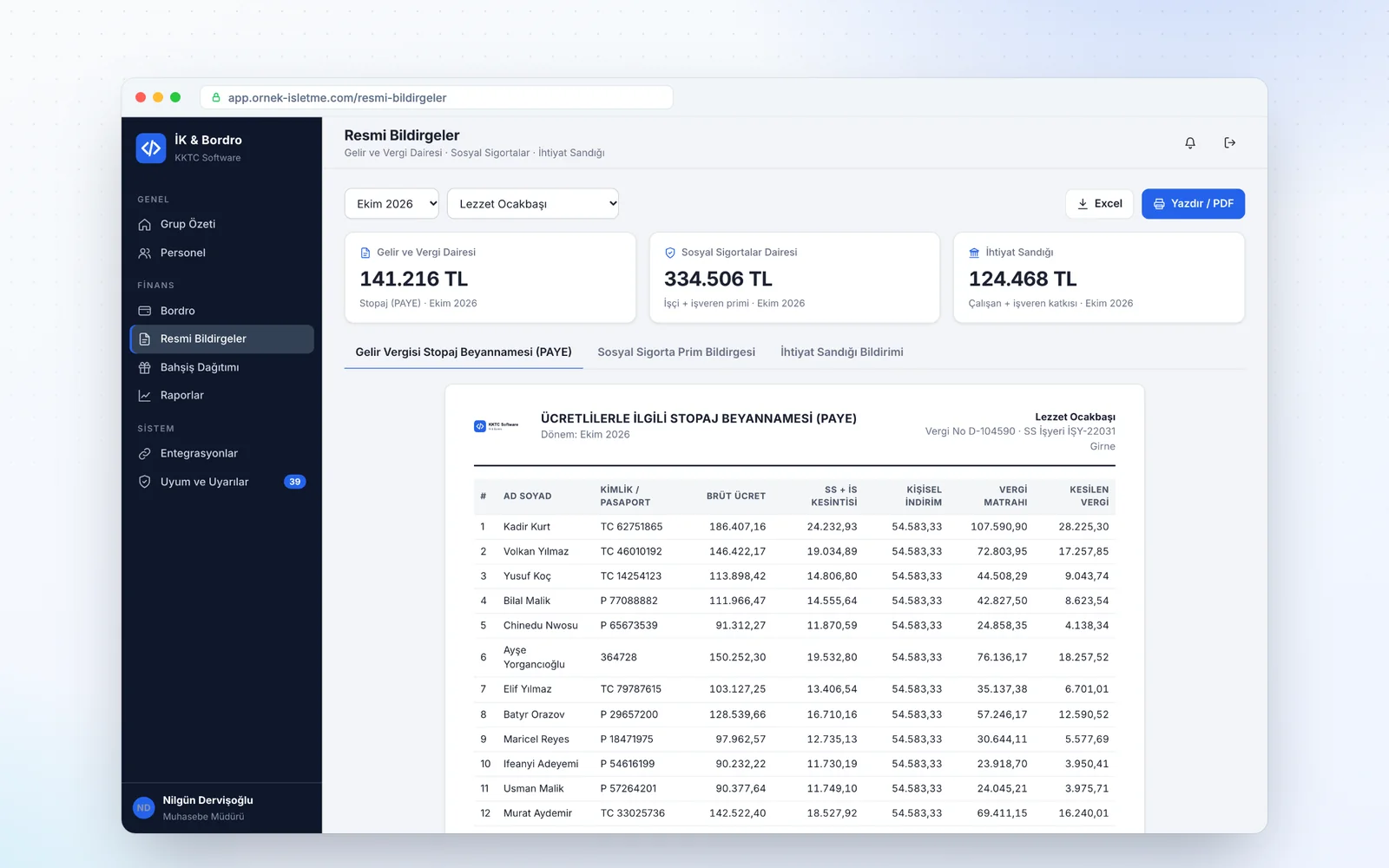
- Excel and PDF report exports
Key features
Modules you can choose and combine to suit your business.
Real-time indicators
Cost, revenue, staff and operational indicators are monitored up to date.
Clear charts
Trends, distributions and comparisons shown in simple charts.
Alert centre
Expiring documents, pending approvals and critical situations are highlighted.
Role-based screens
Different panels and permissions are defined for the owner, managers and the team.
Reporting
All reports can be downloaded as Excel and PDF.
Activity log
Who changed what and when: every action can be traced.
Examples from real screens
Screenshots from systems we have built. Click an image to enlarge it.

How do we work?
Clear steps, with your approval at every stage.
Defining the indicators
Together we determine which data is needed for which decisions.
Data sources
Data from your existing systems and files is connected to the panel.
Design and launch
The panel is designed, tested and opened for use according to permissions.
Who is it for?
The types of business that use this solution most.
Frequently asked questions
Can data from our existing systems come into the panel?
Yes. Panels can be built that take data from a database, an API or files.
Can I view the panel on my phone?
Yes. The panels are mobile-friendly.
Which reports can I see in the panel?
The indicators you need are added to the panel, above all sales, collections, stock, staff and finance; we decide the screens together.
Can reports arrive automatically by e-mail?
Yes. Daily, weekly or monthly summary reports can be sent automatically to the people you choose.
Let's plan your project together
Let us listen to your needs and come back with a working demo and a clear quote.